
Motorised awning control options: your complete guide

TL;DR:
Motorised awning controls range from simple handheld remotes to advanced building management integrations.
Choosing the right system depends on property size, desired automation, and budget, with layering options offering more convenience.
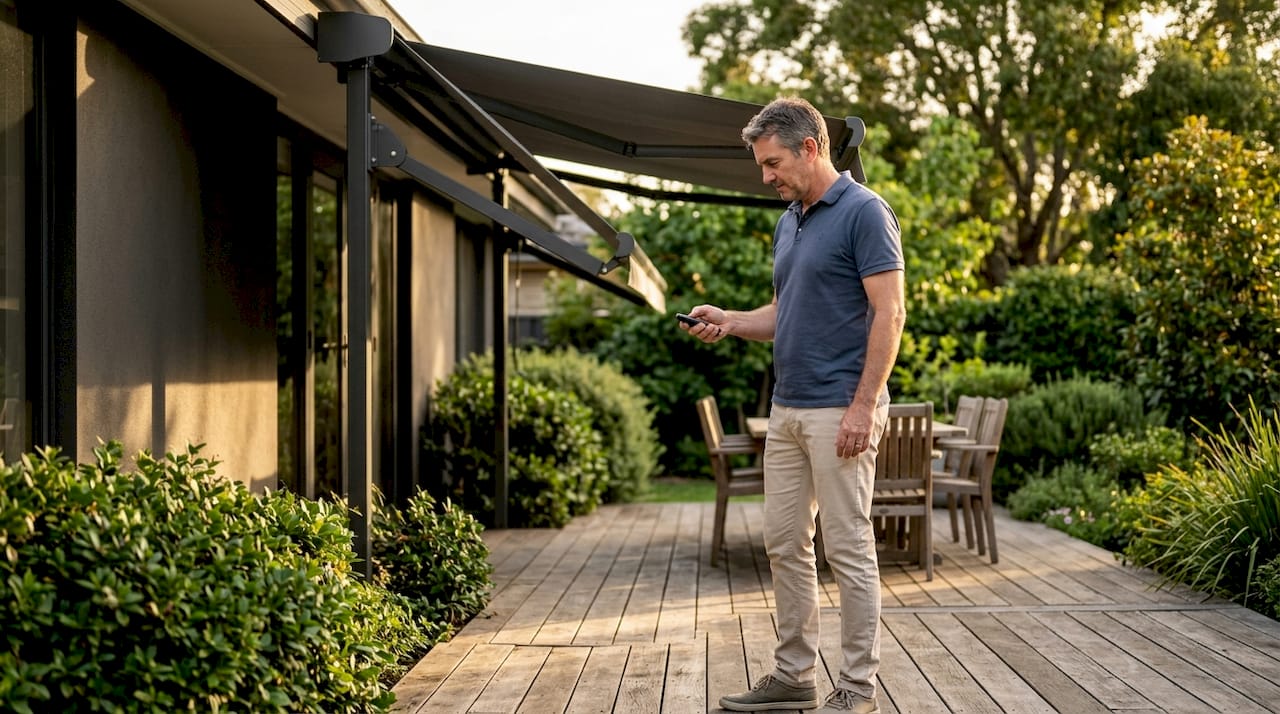
Motorised awning control options are the systems that extend and retract your awning without manual effort, covering everything from simple handheld remotes to fully automated building management integrations. The right control method transforms an awning from a static shade structure into a responsive part of your outdoor living space. Brands like Weinor, Somfy, and RollEase have each developed distinct approaches to this challenge. Whether you manage a single garden terrace or a multi-site commercial property, understanding your electric awning options before you buy saves time, money, and frustration.
1. Motorised awning control options: handheld RF remotes
Handheld radio frequency (RF) remotes are the most widely used control method for motorised awnings. They send a wireless signal directly to the motor receiver, requiring no internet connection, no hub, and no configuration beyond initial pairing. Weinor awnings with Somfy motors support handheld remotes as a standard interface, making them accessible for virtually any homeowner.
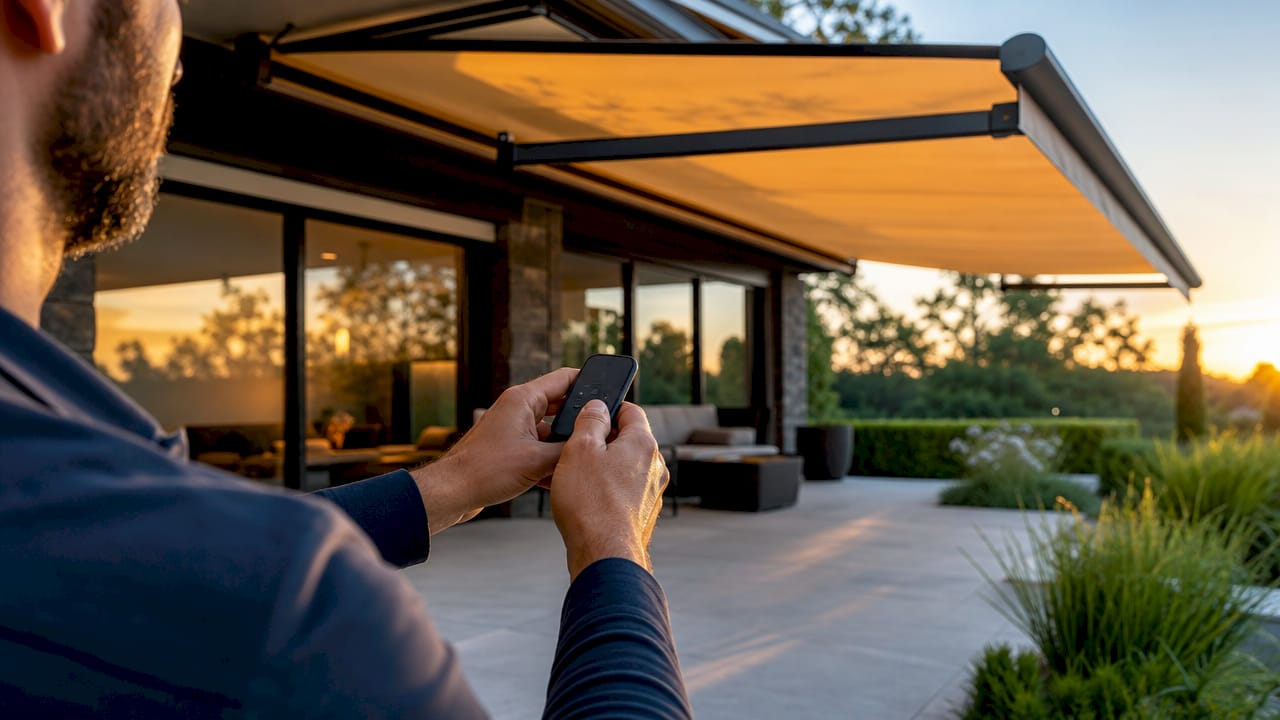
The main advantages are simplicity and reliability. The remote works even during a broadband outage, and there is no app to update or account to manage.
The limitations are real, though. Standard RF remotes offer no status feedback, so you cannot confirm whether the awning is open or closed from another room. Range is typically limited to line-of-sight distances, and losing the remote means losing control until a replacement is paired.
Works without internet or smart home ecosystem
Immediate operation with no setup complexity
Limited range and no position feedback
No scheduling or automation capability
Pro Tip: Pair two or three remotes to the same motor during installation. One lives indoors, one stays near the patio door, and a spare sits in a kitchen drawer. It costs almost nothing extra and prevents the frustration of a misplaced remote on a sunny afternoon.
2. Wall-mounted switches for permanent control points
Wall switches give you a fixed, always-present control point for your awning motor. They wire directly into the motor circuit and operate identically to a light switch, making them intuitive for anyone in the household or on a commercial premises. Weinor installations frequently combine wall switches with handheld remotes so that guests or staff can operate the awning without needing to locate a remote.
Wall switches suit commercial settings particularly well. A bar or restaurant terrace benefits from a clearly labelled switch at the service station, allowing staff to extend the awning quickly without hunting for a remote. The trade-off is that the switch is fixed in one location, so it offers no convenience for controlling the awning from a distance.
Installation requires a qualified electrician to run cabling to the switch position. This adds cost compared to a purely wireless setup, but it also adds permanence and removes battery dependency entirely.
3. Smartphone app and hub-based control
App and hub systems represent a significant step up in capability. A hub connects to your home network and communicates with the awning motor, allowing control from a smartphone anywhere in the world. The RollEase Automate Pulse PRO hub covers homes up to 3,000 sq ft and supports bidirectional communication with Automate ARC motors, meaning the app shows live position and battery status rather than just sending commands blindly.
Voice control is a major benefit of hub-based systems. The Pulse PRO integrates with Amazon Alexa, Apple Siri, and Google Assistant, so you can retract the awning with a spoken command while your hands are full. It also supports the Matter standard, which means it connects with a growing range of third-party smart home platforms without requiring brand-specific workarounds.
Critically, matching motor protocols matters enormously here. A hub designed for ARC motors will not deliver full feedback features when paired with a standard unidirectional motor. Always confirm compatibility before purchasing a hub.
Remote control from anywhere via smartphone
Voice commands through Alexa, Siri, or Google Assistant
Scheduling and group control across multiple awnings
Bidirectional feedback: live position and battery status
Local operation continues if internet goes down
Pro Tip: Set a morning schedule to extend the awning at 9am on sunny days and a retraction schedule for early evening. You get the shade benefit without remembering to act on it, and the awning is safely closed before overnight dew settles on the fabric.
Feature | Handheld remote | App and hub system |
Internet required | No | For remote access only |
Position feedback | No | Yes (bidirectional motors) |
Voice control | No | Yes |
Scheduling | No | Yes |
Multi-awning control | Limited | Yes |
4. Sensor-driven automation for safety and convenience
Awnings with sensors retract automatically when conditions become dangerous, without any input from you. Wind sensors are the most critical. Somfy’s Eolis 3D WireFree RTS wind sensor uses adjustable trigger levels, delay settings, and reset times to distinguish a genuine gust from brief turbulence, reducing nuisance retractions while still protecting the fabric and frame.
Sun sensors extend the awning when solar intensity reaches a set threshold and retract it when the sun drops or clouds arrive. Rain sensors add a further layer, pulling the awning in when precipitation is detected. Together, these three sensor types create a genuinely automated shading system that responds to the actual environment rather than a fixed schedule.
Sensor placement is not a trivial decision. A sensor mounted in a sheltered corner will under-report wind speed, leaving the awning exposed during gusts. A sensor on an exposed gable may over-report, retracting the awning unnecessarily. Professional calibration at installation is the only reliable way to set thresholds correctly. You can read more about this in Infinityawnings’ guide to awning wind sensor placement.
The European standard EN 13561 sets wind-load performance classes for external awnings, ranging from class 0 to class 2. Automation aids protection but does not replace the end user’s responsibility to retract the awning in severe weather. Sensors are a safety aid, not a guarantee.
5. Retrofit smart control with relays and gateways
Not every awning motor ships with smart home capability built in. Retrofit solutions bridge the gap by adding a relay and gateway to an existing motor circuit. A Shelly relay, for example, can be wired into the motor’s control circuit and connected to a home automation platform. Paired with a weather station such as the Ecowitt WS90, it creates a scene-based wind threshold retraction system without replacing the motor itself.
This approach suits homeowners who already have a motorised awning but want to add automation without a full replacement. The setup requires some technical confidence and is best handled by an installer familiar with home automation wiring. The result is a custom system tailored to your specific motor, sensor, and platform preferences.
The limitation is complexity. Retrofit systems depend on multiple components working together, and troubleshooting a fault requires understanding each layer. Purpose-built smart awning systems from Weinor or Somfy are more straightforward for most homeowners.
6. Multi-awning hub control for larger properties
Managing several awnings individually becomes impractical on larger residential estates or commercial sites. Hub-based systems designed for scale solve this. The Bond Breeze Pro hub, used with the Bond Bridge Pro, enables centralised control of multiple screens with live data updates every 10 seconds. That frequency of feedback means a property manager can confirm the status of every awning from a single dashboard.
Synchronised operation is a practical benefit that single-remote setups cannot match. A hotel terrace with six awnings can extend all of them simultaneously at the touch of one button, creating a consistent shading environment for guests. Scheduling and scene control mean the system can also respond to time of day or weather conditions without manual intervention.
The scalability of hub-based systems is a genuine long-term advantage. Adding a new awning to an existing hub network is straightforward, whereas adding a new standalone remote system means managing yet another separate device.
7. KNX and building management system integration
KNX integration is the standard for commercial properties that require awning control as part of a wider building automation strategy. A KNX RS485 motor control module reports absolute awning position as a percentage and supports up to 8 scenes per channel, allowing the building management system (BMS) to coordinate awnings with HVAC and lighting in real time.
The practical benefit for a commercial property manager is energy efficiency. When the BMS detects high solar gain, it can extend the awnings and simultaneously adjust the air conditioning setpoint, reducing cooling load. This kind of interlock is not possible with consumer-grade smart home hubs, which focus on convenience rather than telemetry.
KNX systems require specialist commissioning by a certified KNX installer. The upfront cost is higher than consumer alternatives, but the long-term operational savings and the depth of control justify the investment for large commercial installations. KNX awning integration also provides detailed audit trails, which matter for facilities managers responsible for maintenance records.
Control method | Best for | Integration depth | Feedback |
Handheld remote | Single residential awning | None | None |
Wall switch | Fixed residential or commercial point | None | None |
App and hub | Multi-room residential | Smart home platforms | Position and battery |
Sensor automation | Any property | Works with remotes, hubs, or BMS | Environmental triggers |
KNX/BMS | Commercial and large estates | Full building automation | Real-time telemetry |
8. Comparing control options: which suits your needs?
The right awning control solution depends on three factors: the number of awnings you manage, the level of automation you want, and your budget. For a single residential awning, a handheld remote paired with a wind sensor covers most needs at a modest cost. For a homeowner who wants scheduling and voice control, adding a compatible hub transforms the same motor into a fully automated system.
Commercial property managers need to think differently. A restaurant terrace with four awnings and a need for staff operation without specialist knowledge suits wall switches combined with a multi-awning hub. A hotel or office building with energy management targets benefits from KNX integration, where the awnings become part of the building’s overall efficiency strategy.
Pro Tip: Combine control methods rather than choosing just one. A wall switch for daily staff use, a hub for scheduling and remote monitoring, and a wind sensor for automatic safety retraction gives you convenience, automation, and protection without relying on any single point of failure.
The choice between manual and electric awnings is the first decision to make. Once you commit to motorised operation, layering control options is straightforward and can be done incrementally as your needs evolve.
Key takeaways
The most effective motorised awning control setup combines a primary interface such as a remote or wall switch with sensor automation and, where scale demands it, a hub or BMS integration.
Point | Details |
Start with the basics | A handheld RF remote works without internet and suits most single-awning residential installations. |
Add a hub for full control | App and hub systems like RollEase Pulse PRO deliver scheduling, voice control, and live position feedback. |
Use sensors for safety | Wind, sun, and rain sensors automate retraction and protect the awning without user input. |
Match motor and hub protocols | Bidirectional feedback only works when the motor and hub share a compatible communication protocol. |
KNX suits commercial scale | Building management system integration provides real-time telemetry and energy-saving interlocks for commercial properties. |
What I have learned from 15 years of awning installations
The most common mistake I see is homeowners choosing a control system based on what sounds impressive rather than what suits their actual habits. A voice-controlled hub with scheduling is genuinely useful if you are the kind of person who sets up automations and maintains them. If you are not, a well-placed wall switch and a reliable wind sensor will serve you better every single day.
Sensor calibration is where most problems originate. I have seen wind sensors installed on sheltered walls that never trigger, leaving awnings extended in conditions that damage them. I have also seen sensors on exposed rooflines that retract the awning at the first hint of a breeze, frustrating the homeowner until they disconnect the sensor entirely. Neither outcome is acceptable. Professional placement and calibration at installation is not optional if you want the system to work as intended.
The emergence of Matter-compatible hubs is genuinely exciting for the industry. It means a Weinor awning with a Somfy motor can sit alongside your Philips Hue lights and your Nest thermostat in a single app, without proprietary bridges. That kind of interoperability was not realistic three years ago. For homeowners investing in smart home infrastructure now, it is worth prioritising Matter compatibility in your hub selection.
My honest advice: buy the best motor you can afford, add a wind sensor as standard, and choose your control interface based on how you actually live. Automation is an aid. It does not replace the responsibility to check your awning before a storm.
— Andrew
Infinityawnings’ motorised awning and pergola solutions
Infinityawnings has supplied and installed motorised awnings, pergolas, and verandas across Yorkshire, Derbyshire, Nottinghamshire, and Lincolnshire for over 15 years. The range includes products from Weinor, Tarasola, and Morvelle, all available with electric operation, sensor integration, and smart control compatibility.
Whether you want a straightforward remote-controlled retractable awning for your garden or a fully automated pergola with motorised shading for a commercial terrace, Infinityawnings provides a free consultation and tailored specification. The team advises on motor selection, sensor placement, and control system compatibility before any installation begins. Electric awnings from Infinityawnings can reduce home heat gain significantly, making them a practical investment beyond comfort alone. Contact Infinityawnings for a free quote and see the full pergola and awning range online.
FAQ
What is the simplest motorised awning control method?
A handheld RF remote is the simplest option. It requires no internet connection, no hub, and no configuration beyond pairing to the motor during installation.
Can I control my awning with a smartphone?
Yes. Hub-based systems such as the RollEase Automate Pulse PRO connect your awning motor to a smartphone app and support voice commands via Alexa, Siri, and Google Assistant.
Do wind sensors work with all motorised awnings?
Wind sensors work with most motorised awnings, but compatibility depends on the motor and control system. Somfy sensors integrate directly with Somfy motors, and sensor placement must be calibrated professionally for reliable operation.
What control system suits a commercial property?
KNX motor control modules suit commercial properties best. They report real-time awning position to a building management system and support integration with HVAC and lighting for energy management.
Do I need the internet for my motorised awning to work?
No. Handheld remotes and wall switches operate independently of the internet. Hub-based systems like the Pulse PRO also support local control if the internet connection drops.
Recommended
Comments